Current production time of two weeks or less for most orders. 

Certificate printing: how to prepare artwork for your printer
Send your certificate wording, names, and ideas. Graduation Ink’s Art team works with you on the layout, with a no-obligation design request to get started.

Preparing for certificate printing starts with your information, not a finished design. Send your wording, recipient details, available graphics, and ideas; the Art team can turn them into a layout for you to review.
Brief summary
- Certificate printing artwork starts with your information and ideas, not a finished layout.
- Graduation Ink’s Art team works directly with customers to design diplomas, certificates, and diploma covers.
- Start with a no-obligation Work Order Request; a completed design is not required.
- Review the proof for correct wording, names, and the look you want before approving production.
Do you need print-ready artwork to order certificates?
No. You do not need to create print-ready artwork to order certificates from Graduation Ink. The Art team works directly with you to develop a layout and look that fits your organization. Start with the no-obligation Work Order Request, sharing what you know and any questions.
The process has four steps:
- Send your information: Provide your institution name, award wording, recipient details, available graphics, and preferences.
- Work with the Art team: Discuss the look you want and how you plan to present the certificates.
- Review the proof: Check the wording, names, and appearance on the PDF or JPG soft proof. Request any changes.
- Approve for production: Approve the design once the information and layout are correct.
Who handles that?
Your institution confirms names and award language; the Art Team handles their presentation. Choose one person to return consolidated feedback rather than conflicting instructions from different departments.
What information should you send to the Art team?
Gather the details you have, even if some decisions are still open:
- Institution and award: Exact organization name, certificate title, completion wording, and date.
- Recipients: Names, honors, and program details that change between certificates.
- Graphics: Available logos, crests, seals, and any institutional requirements.
- Signatures: Signatory names and titles; whether signatures will be printed or added afterward.
- Presentation: The cover or holder you have or want.
- Preferences: A previous certificate, an example, or a description of the look you like.
Graduation Ink’s Diploma Design and Wording Ideas page shows examples to help explain your preferences. Your issuing office should approve the credential and program wording.
Which existing files are useful?
Send the files you already have. An original logo from your communications office is useful; an older certificate can show the style you want to keep or change.
| Material | What to explain |
|---|---|
| Wording document | Which text is approved |
| Existing PDF or editable design | What should stay or change |
| Original logo or crest | Which version your institution authorizes |
| Scan or photograph | Which wording or design details to use as a reference |
If a graphic is unclear, ask the team about its suitability rather than trying to repair it yourself. Confirm permission to reuse signature artwork; an old certificate does not establish that authorization.
How should you discuss the certificate and cover?
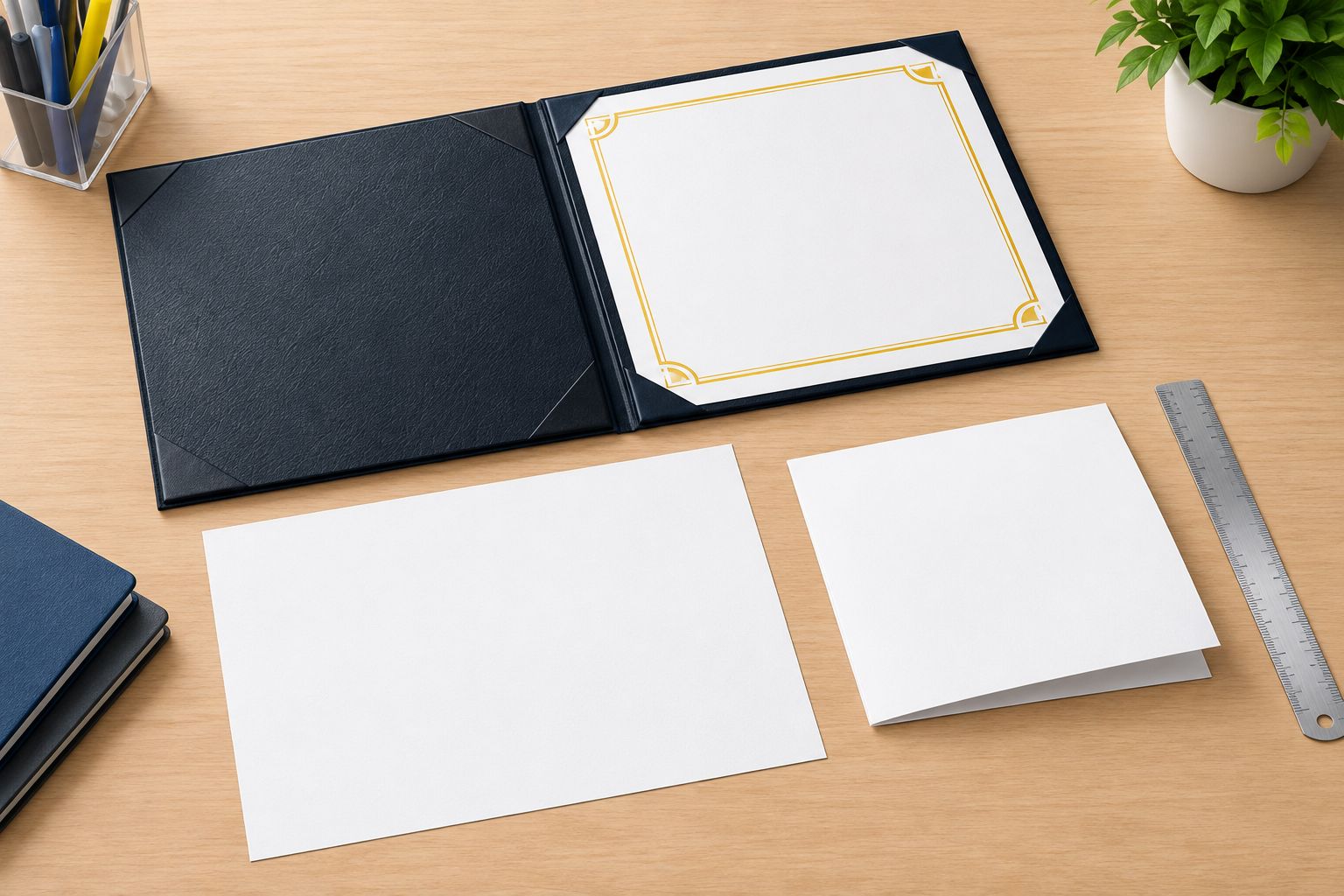
Tell the Art team whether the certificate will be flat or folded and which holder you plan to use. If you already own covers, share their product information or document size if known. The team can discuss layout and fit with you before the design is finalized.
How should you send names for an entire graduating class?
Use one checked roster with a separate row per recipient and clearly labeled columns. Keep names exactly as approved, including accents, hyphens, suffixes, and capitalization.
Before sending the roster:
- Resolve duplicate entries and missing information.
- Confirm the printed form of each name.
- Keep honors and program names separate when they vary.
- Remove internal notes that should not appear on certificates.
- Identify who will send any later corrections.
Flag unusually long names for discussion rather than shortening them to fit a layout. Your records office confirms spelling; the Art team handles how names appear in the design.
What should specialty program coordinators provide?
For military, police academy, hospital residency, nursing, apprenticeship, and seminary certificates, send the issuing organization’s approved program title, award language, recipient details, and signatories. The institution confirms the credential; the Art Team helps present it.
What should you check on the proof?
Review the PDF or JPG soft proof for accuracy and appearance. Focus on:
- The institution name and award wording.
- Recipient names and any honors or program details shown.
- Dates, signatory names, and titles.
- Whether the correct logo or seal appears.
- Whether you like the overall design.
Describe requested changes in everyday language, such as more space around a logo or greater emphasis on the recipient’s name. Return one consolidated set of comments. Keep the approved proof and final roster together as your institution’s record of what it authorized.
FAQ
Do I need print-ready certificate artwork before contacting Graduation Ink?
No. Send your information and ideas; Graduation Ink’s Art team works directly with you on the layout and look.
How do I start a no-obligation certificate design?
Use Graduation Ink’s Work Order Request form. Beginning the design does not obligate you to order.
Where can I find diploma wording and layout examples?
Graduation Ink’s Diploma Design and Wording Ideas page shows wording, fonts, and layouts to discuss with the Art team.
Do I have to arrange the certificate to fit my diploma cover?
No. Share the cover or holder you have or want, and discuss the document’s layout and presentation with the team.
What information should I send for custom certificates?
Send your institution name, award wording, recipient details, available graphics, signature information, and design preferences.
Will I see the diploma design before it is printed?
Yes. Graduation Ink sends a PDF or JPG soft proof to review and request changes before approving production.
Can Graduation Ink help design a diploma cover?
Yes. The Art team works with customers on diploma and cover designs using their information and preferences.
Can I send a scan of an old certificate?
Yes. A scan can serve as a reference for wording or appearance. Explain what should stay and what should change.
One last thing
Keep one clear record of the approved wording, roster, and proof. That gives your institution a useful starting point for its next certificate order.
Related guides
Graduation Ink Team